Business Cards
Create professional business cards with your computer logo and impress clients from the very first meeting.
See product templates
Discover our selection of logo templates designed for your industry.
Explore our range of creative logo styles tailored to every type of company.
Browse unique letter logo templates designed to suit any type of business.
Use our easy-to-use online tools to create dazzling branded products with your logo and matching colors! Discover our wide range.
Explore a full range of creative branded products that you can customise online.
Computers are virtually everywhere. And your brand should definitely look the part, whether you’re launching a repair shop, a software startup, a hardware company, or even a computer science program. Your computer logo is the first indicator of how seriously you take your craft.
Logogenie’s logo maker is stacked with computing-focused templates ready to customize. Create a logo that’s clean, modern, and definitely built to impress from the very first pixel.
Computers are virtually everywhere. And your brand should definitely look the part, whether you’re launching a repair shop, a software startup, a hardware company, or even a computer science program. Your computer logo is the first indicator of how seriously you take your craft.
Discover a variety of unique logo ideas and create a strong brand identity for your business
Enter your information, customize your logo, and download it in just a few clicks
Enter your company name and start browsing through hundreds of logo templates.
Browse through thousands of computer logo designs and customise your logo online.
Download high-resolution files suitable for print and digital media.
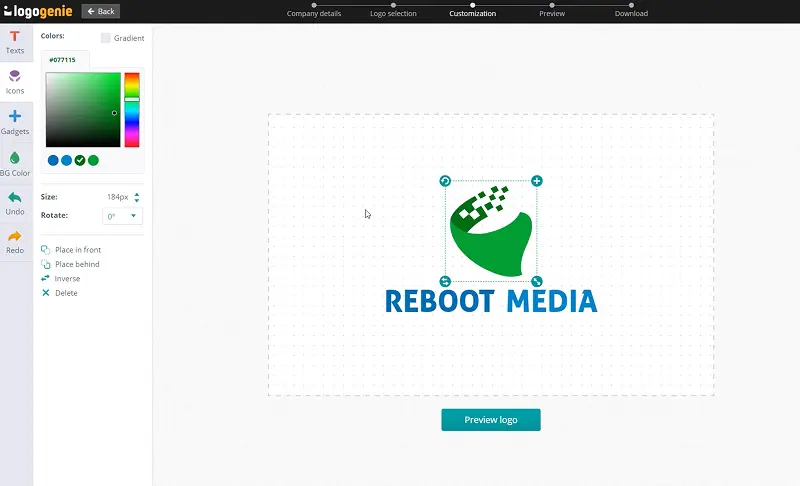
Discover simple design tips to help you create a strong and memorable computer logo

Making your PC logo stand out is Mt. Everest to climb because of just how massive and competitive the computer industry is. Generic ones simply fall apart. Make your computer brand stick by finding a visual angle specific to what you actually do (authority, enterprise solutions, or approachability for consumer tech?).
Strong computer logos avoid the “literal.” A picture of a keyboard or monitor says nothing distinctive. So generic. Go for abstract geometric marks, sharp letterforms, or even dynamic circuit-inspired icons to communicate technical capabilities. They’ll make your logo feel fresh, so-21st century, and built to last beyond the next product cycle.
How to choose the layout, colors, and fonts for the perfect logo


A great computer company logo requires precision and injecting your brand’s personality. Strive for clean lines and consistent proportions to complement an icon that can hold its integrity at any resolution. Moreover, think about how you want clients to recognize you. Are you the approachable neighborhood computer repair guy or the high-stakes enterprise IT provider? You’ll want a logo that’s technically credible and distinctly human.
A meaningful computer logo design can incorporate geometric wordmarks and circuit-inspired icons or even bold monograms. However, you can always find the one format that feels native to your brand’s voice and audience.
Computing logo colors once revolved around corporate blue on white and silver gradients. While they may still work, newer computer brands now consider dark backgrounds with high-contrast accent colors to signal sophistication and product confidence. Softer palettes are the go-to of consumer-facing PC brands because it just feels more approachable. Meanwhile, monochromatic schemes with a single accent should be great for a computer science logo.
Whatever color you pick, test it on dark and light backgrounds before finalizing your design. Remember, computer brands live across screens, print, packaging, and more. Your logo needs to perform everywhere without “glitching.”

Choosing the right typeface for your computer logo design requires restraint and precision. If you’re into computer programming, science, or development, you’d find monospaced fonts a natural fit. Meanwhile, consumer-facing computer brands often do well with clean geometric sans-serifs to communicate speed and clarity without the insider reference. Strive to make your font look like it was intentional instead of selected randomly from a dropdown.
Here’s a tip. Precision in fonts conveys precision in work. So, please avoid soft, decorative, or even organic typefaces because they create a subtle mismatch that your clients can feel, though they can’t articulate why.
Yes, all logos can be fully customized. You can adjust colors, fonts, layouts, and icons to create a unique computer logo that matches your brand identity.
You’ll receive high-resolution files including PNG, JPG, PDF, and vector formats like SVG or EPS, making your computer logo usable across all digital and print media.
Yes, once purchased, your logo is yours to use for all commercial purposes including websites, business cards, social media, and marketing materials.
Yes, you can return anytime to edit your computer logo. Update colors, fonts, or layouts as your business evolves.
No design skills are needed. Logogenie’s intuitive tools make it easy for anyone to create a professional computer logo in just a few clicks.
Yes, your logo can be used across all platforms, including websites, social media, business cards, signage, and merchandise, ensuring consistent branding everywhere.
Yes, your logo is designed to work across all digital and print formats, including websites, email signatures, business cards, and advertising materials.
Yes, your logo is created in high resolution and scalable formats, ensuring it remains sharp and professional as your brand expands across different platforms and sizes.
Everything you need to launch your computer business and promote your brand.
Create professional business cards with your computer logo and impress clients from the very first meeting.
See product templates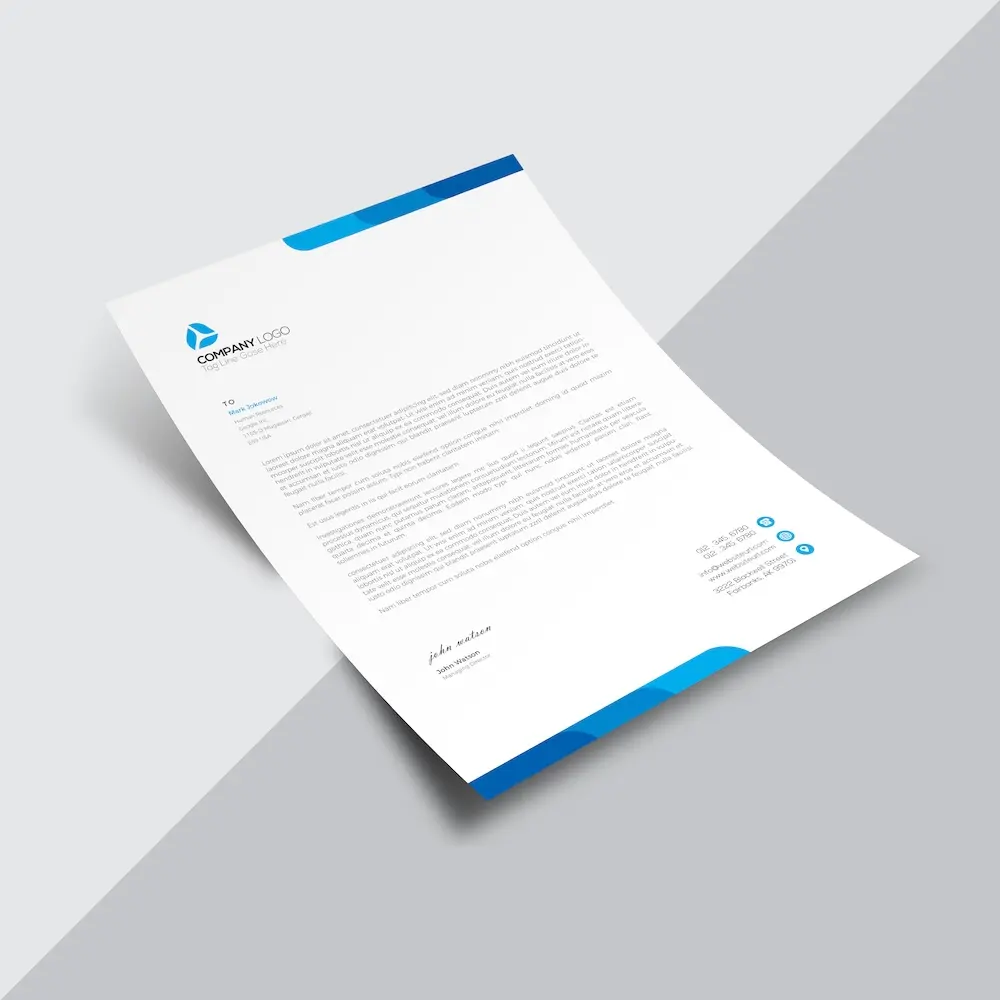
Create custom letterheads with your computer logo and reinforce your brand with every document you send.
See product templates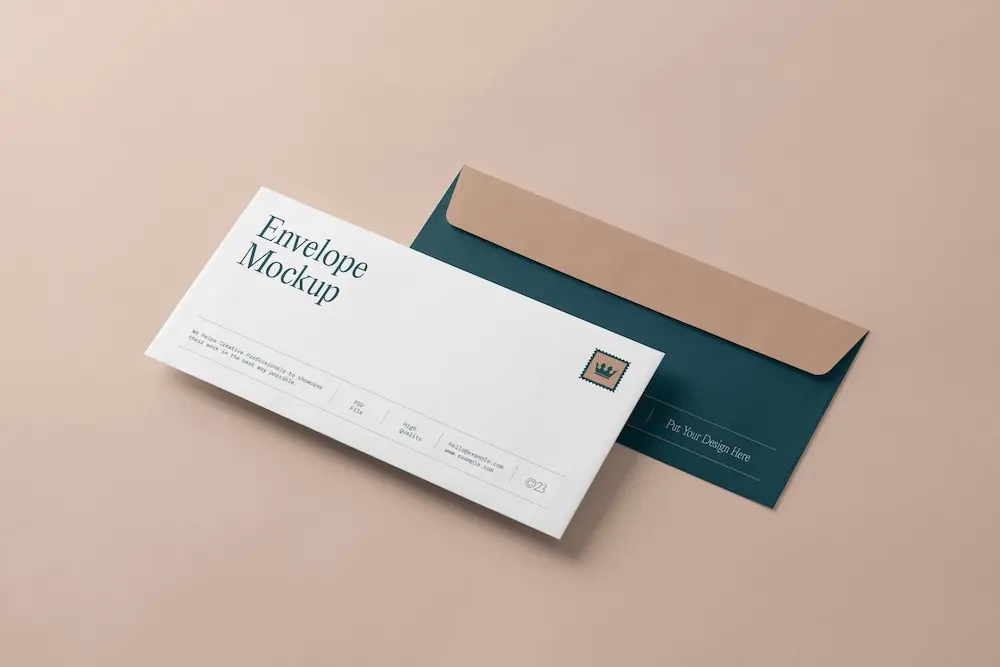
Create custom envelopes with your computer logo to match your letterheads and give every mailing a professional finish.
See product templates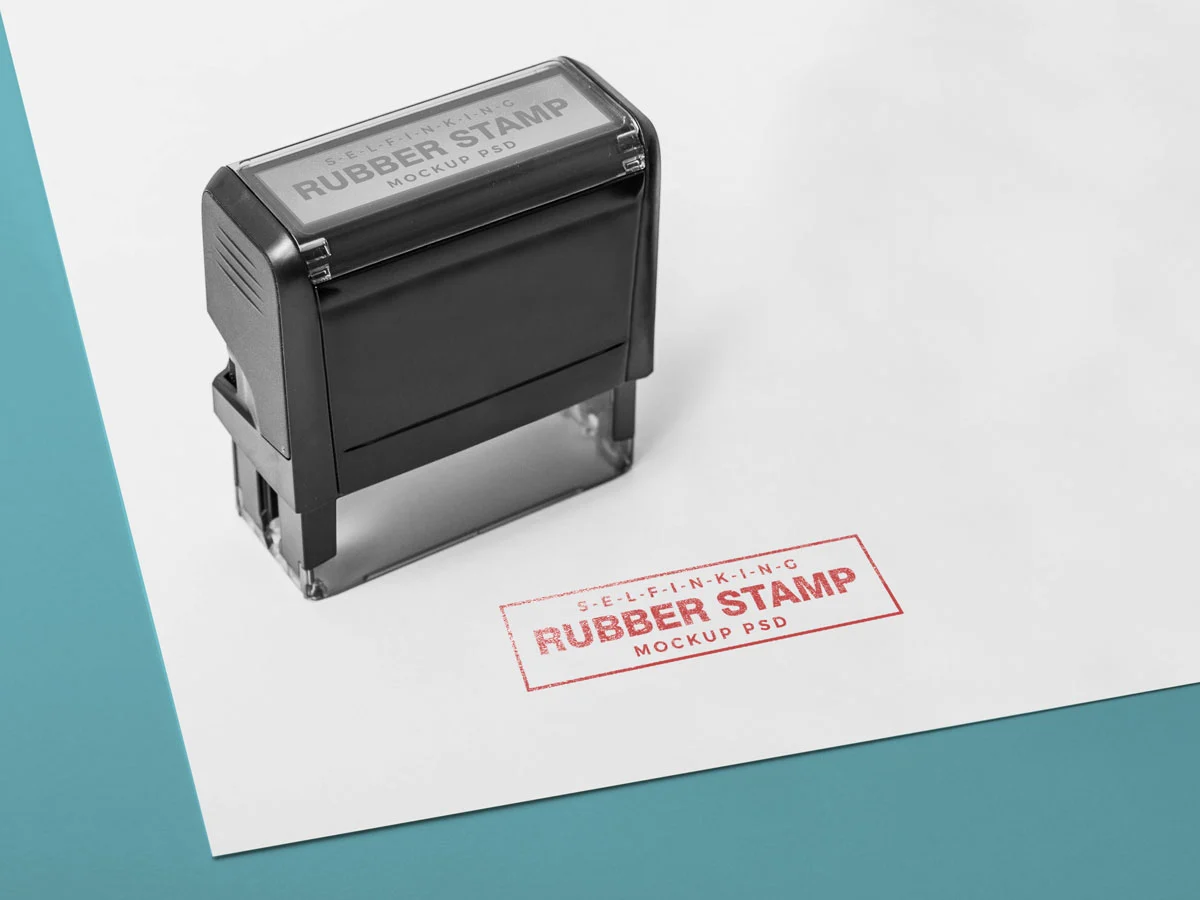
Create custom stamps with your computer logo or business details for all your professional documents.
See product templates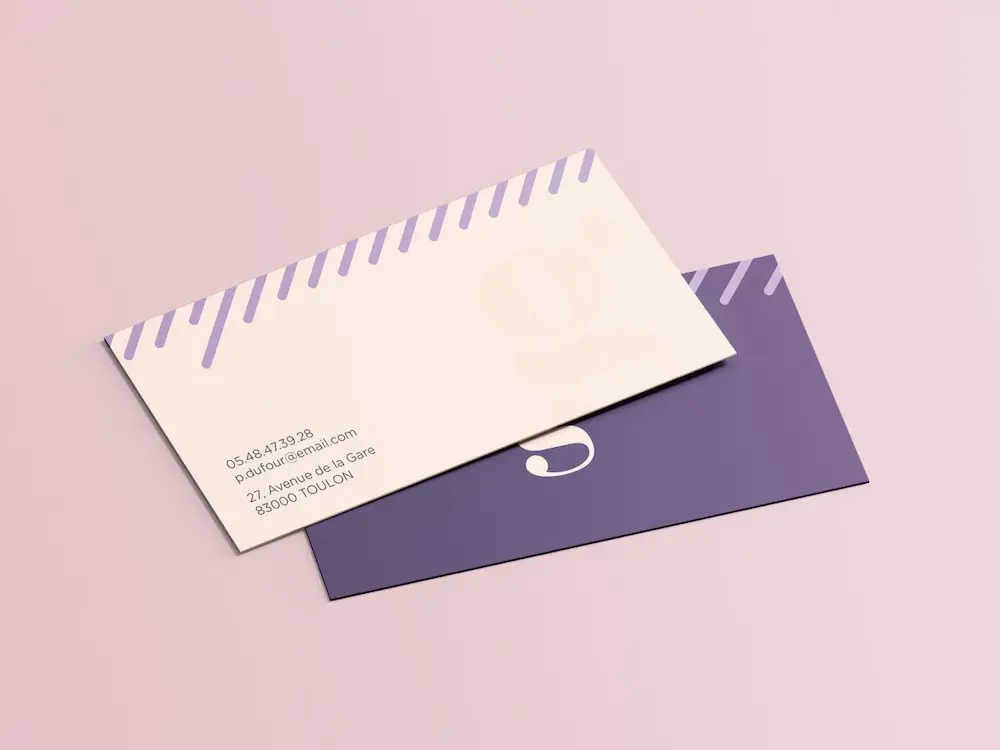
Create personalized correspondence cards with your computer logo to add a professional touch to every business mailing.
See product templates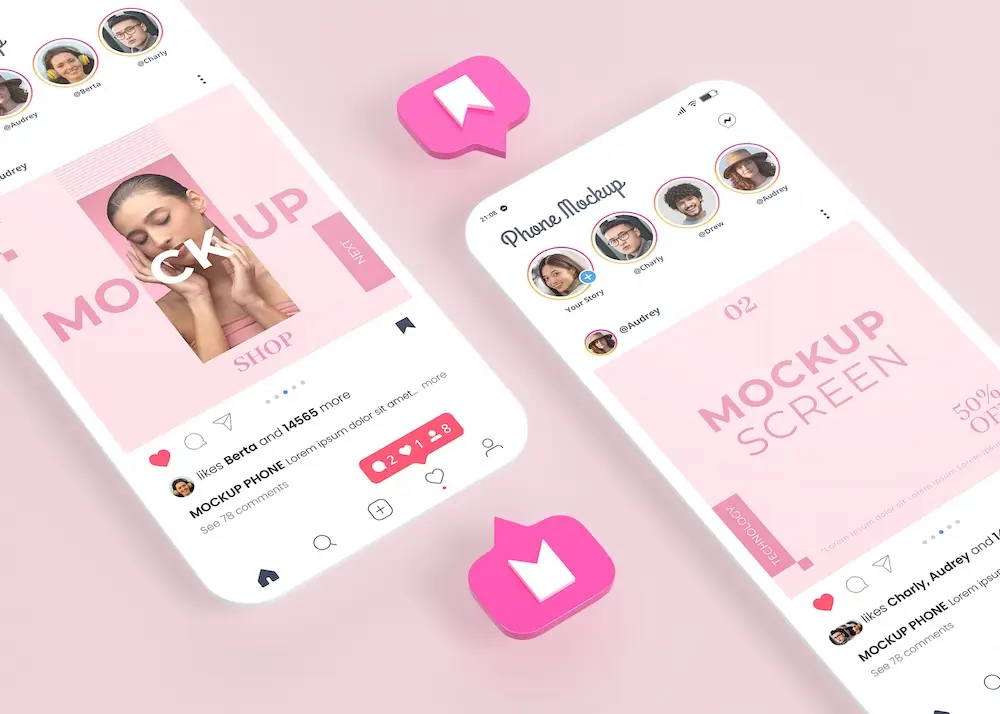
Create digital branding materials with your computer logo for social media, emails, invoices, and more.
See product templates